

오라클의 SQL Developer를 설치해서 dmp 파일을 import 하려고 한다. 이번 글은 Windows11에서 SQL Delveloper 설치하는 방법에 대해 기록한다.
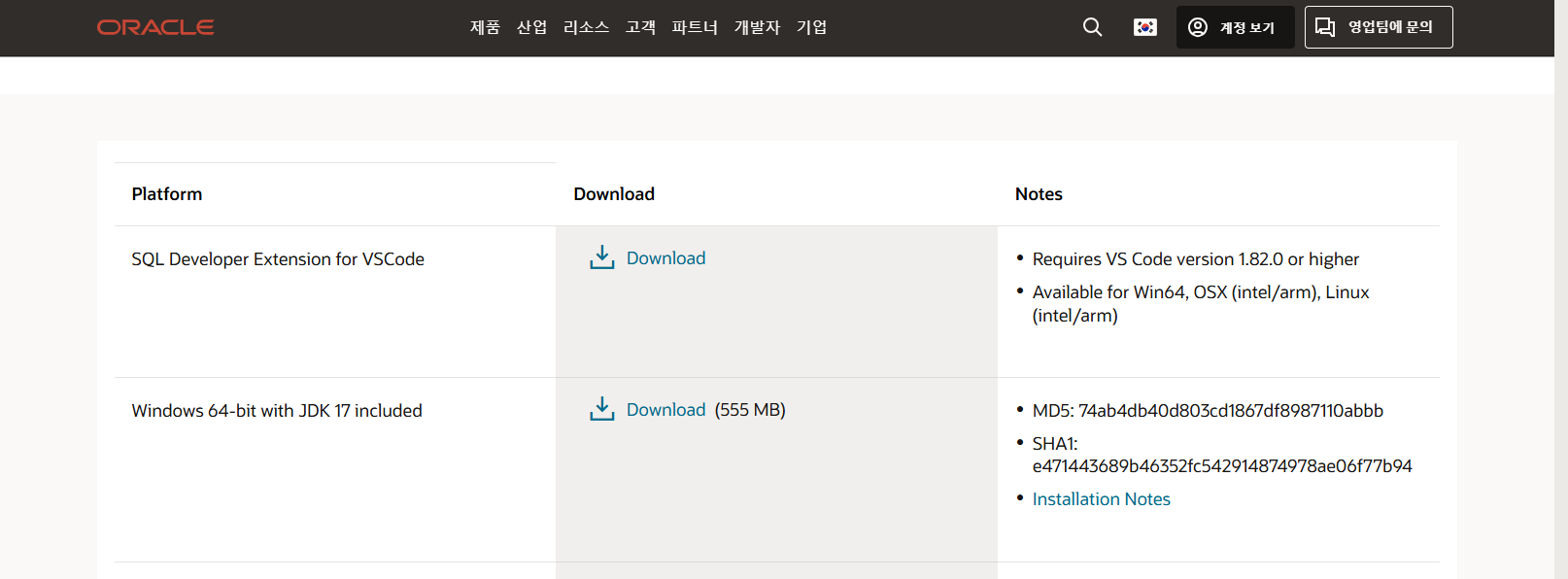
1. 아래의 URL에 접속하여 Windows 64-bit with JDK 17 included를 다운로드 받는다.
https://www.oracle.com/kr/database/sqldeveloper/technologies/download/
Oracle SQL Developer Downloads | Oracle 대한민국
This archive. will work on a 32 or 64 bit Windows OS. The bit level of the JDK you install will determine if it runs as a 32 or 64 bit application. This download does not include the required Oracle Java JDK. You will need to install it if it's not already
www.oracle.com
2. 설치한 파일을 압축 풀고 나서 sqldeveloper.exe를 실행한다.

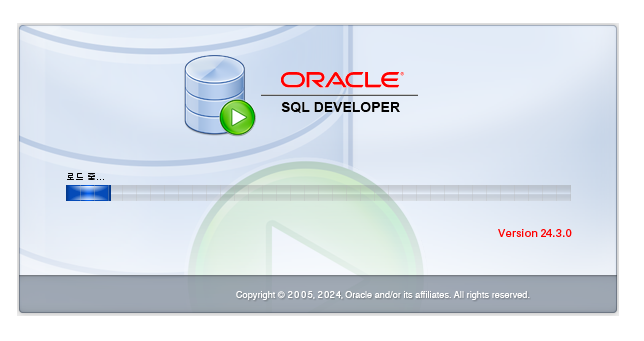
3. 해당 sqldeveloper.exe 파일을 실행하면 설치파일이 나오는데, 설치가 완료가 되면 아래와 같이 SQL Developer가 실행이 되는 것을 확인할 수 있다.
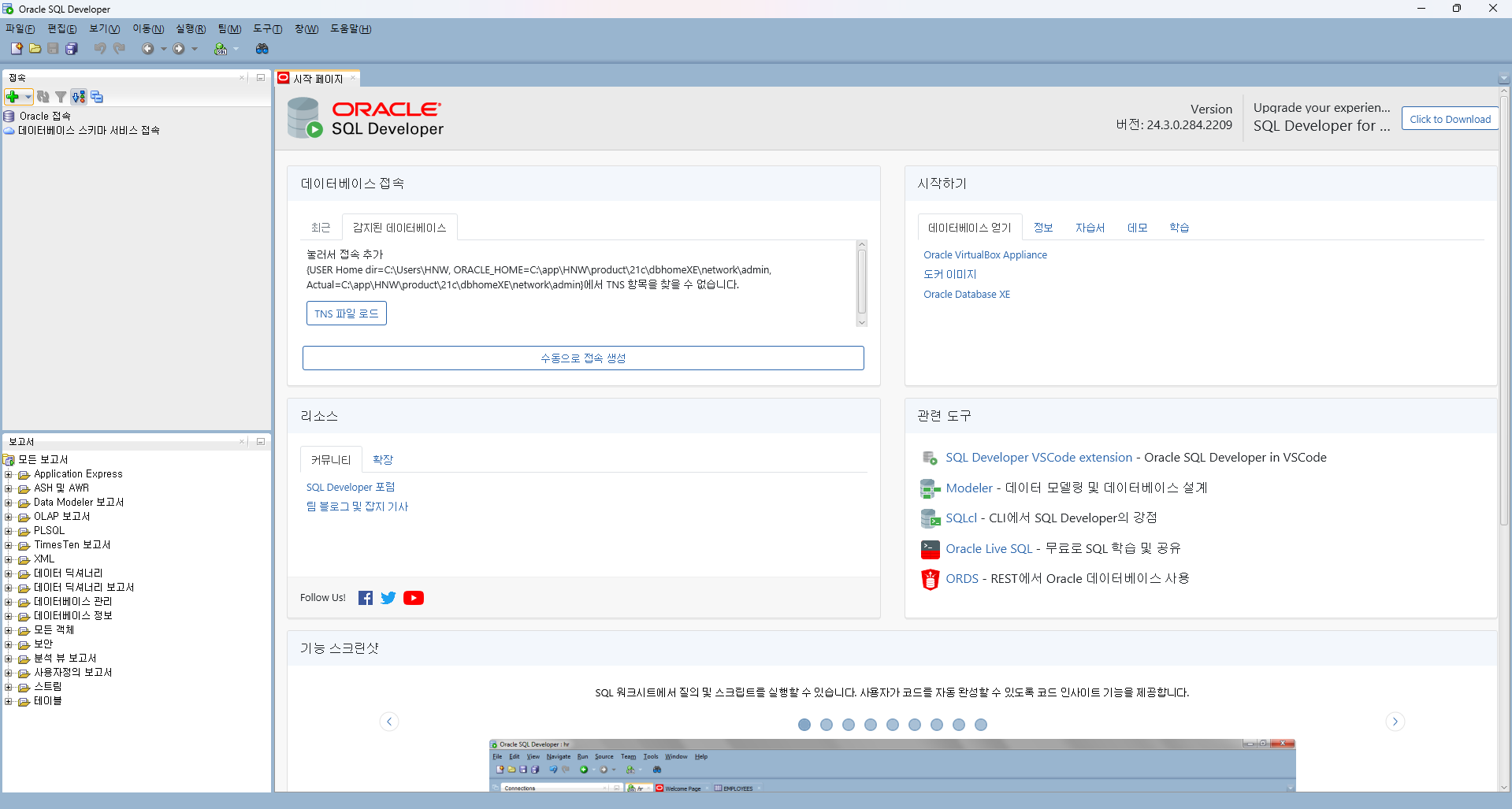
4. 이렇게 설치가 되면, 좌측 상단에 + 버튼을 눌러 DB 연결을 해서 작업을 시작하면 된다.






최근댓글